


1. How to Login into the Application:
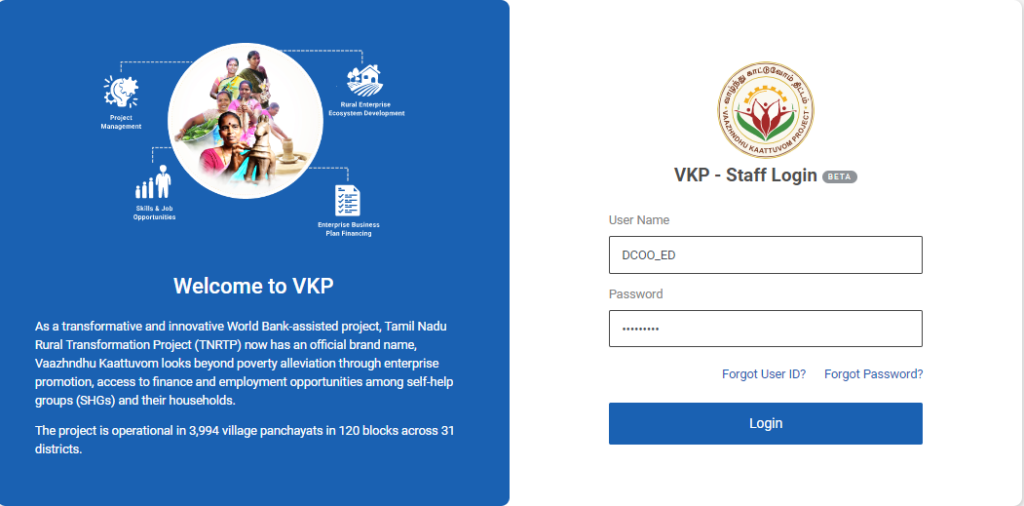
Step 1 : Log in with their respective DYCOO username and password and click ‘Login’
Step 2 : After logging in to the VKP staff portal, select the OSF module under the business plan financing component
Step 3 : After selecting the OSF module, the user will be redirected to the respective home page
Step 4 : When logged in, click on the ‘OSF Setup’ on the left side menu
Step 5 : On the ‘OSF Setup’ tab, click the ‘OSF Professionals’ tab to view the list of professionals
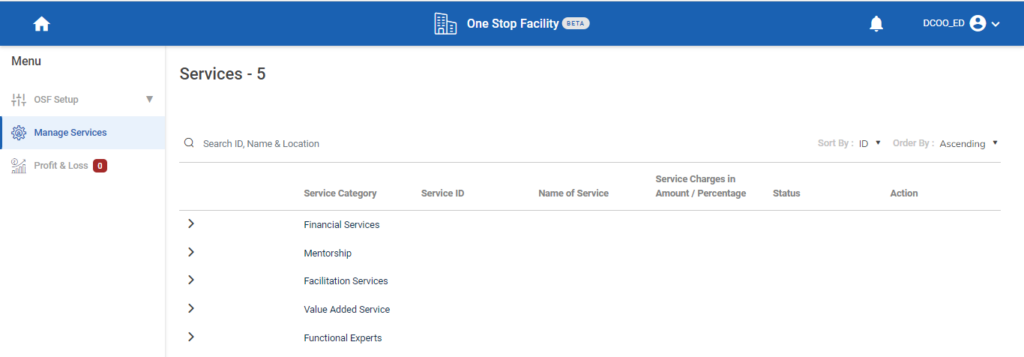
Step 6 : On the ‘Manage Services’ tab, to view the list of manage services
Step 7 : Click ‘Profit & Loss’ to view the list of profit & loss details
2. How to Inactivate the Manage Services:
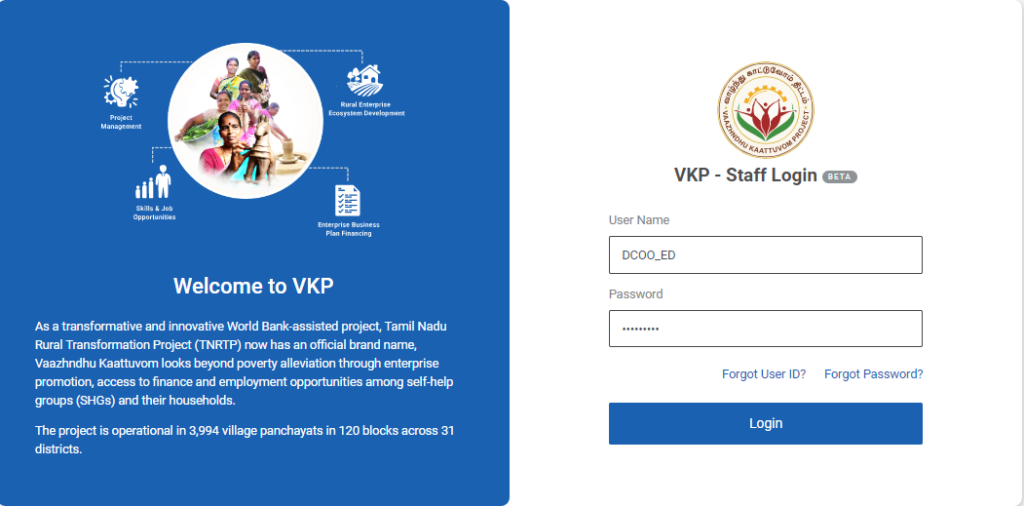
Step 1 : Log in with their respective DYCOO username and password and click ‘Login’
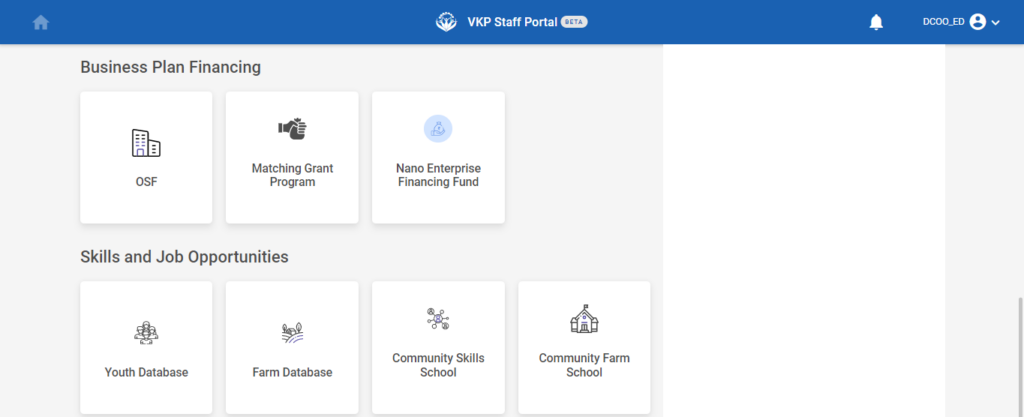
Step 2 : After logging in to the VKP staff portal, select the OSF module under the business plan financing component
Step 3 : After selecting the OSF module, the user will be redirected to the respective home page
Step 4 : When logged in, click on the ‘Manage Services’ on the left side menu
Step 5 : On the ‘Manage Services’ tab, to view the list of manage services
Step 6 : By click the dropdown to view the list of service category, service ID, Name of the service, Service charges in amount/percentage, status and action details

Step 7 : To inactivate the services click the icon in the action tab and click ‘Mark as Inactive’ and the popup appears like ‘Successfully Inactivated OSF Service’
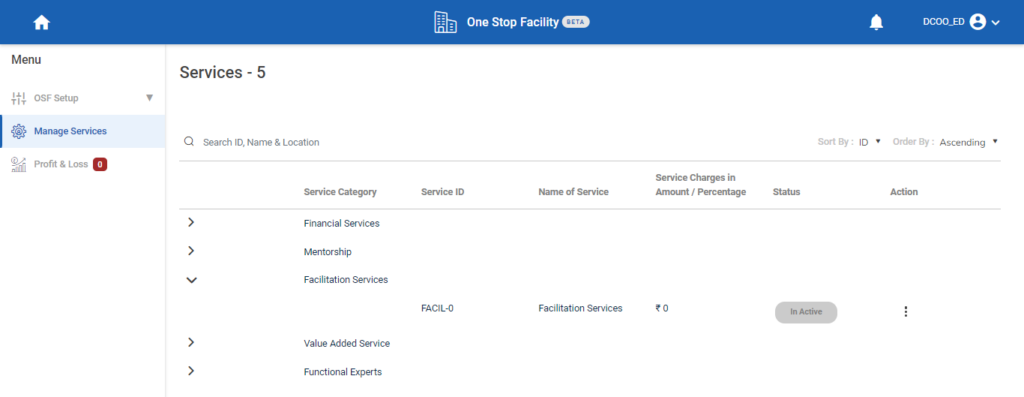
Step 8 : Once the service category marked as inactive and the status changed from ‘Active’ to ‘Inactive’